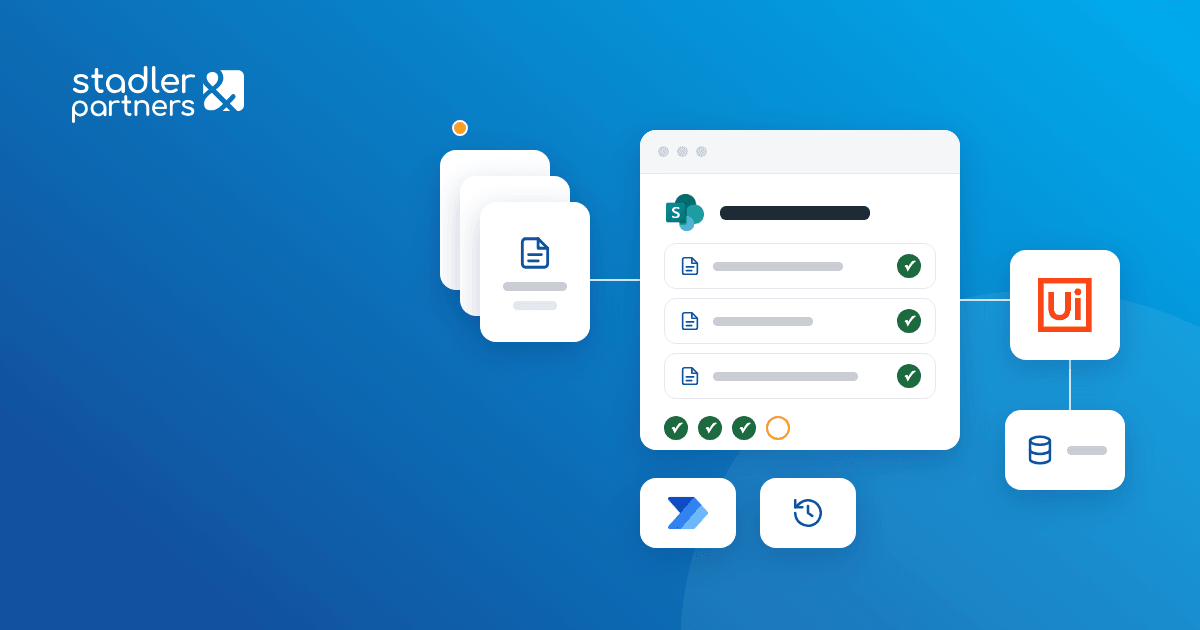
Somet approves supplier invoices in SharePoint folders, and UiPath robots post them in the inventory software.
Invoices from Romania's national e-invoicing system enter through a single upload point, get their data filled in automatically and go through role-based approval on the chosen workflow. Once an invoice is approved for payment, UiPath robots post it in the inventory and accounting software, and the closed folder is archived by project, cost centre and supplier.
Business need
Somet receives invoices from materials suppliers, subcontractors and service providers. Each category has its own approvers, from the commercial or project manager to finance and accounting, and invoices were sent around by email for approval.
The company needed an approval-to-payment workflow with the annexes and quality documents next to the invoice, an archive organised by project, cost centre and supplier, and approved invoices posted in the inventory software without manual entry.
Result
Every invoice has a folder with its annexes, quality documents and role-by-role approval history. The robots post invoices from subcontractors and service providers in the inventory software, with no manual entry, and a folder approved for payment can no longer be changed.
Solution delivered
- A single upload pointInvoices downloaded from the e-invoicing system are uploaded to an intake library. A Power Automate flow fills in the metadata from the invoice, and the person in charge picks the approval workflow.
- The invoice folderThe invoice moves automatically into a folder named after the invoice number, supplier and date. Annexes and quality documents are attached to the folder based on their metadata.
- Three approval workflowsMaterials suppliers, subcontractors and other services, each with its own approvers. On rejection the folder returns to the previous step with the reason, and approvers get a daily list of what is waiting for them.
- Approvers from a listApprovers, projects, suppliers and cost centres are managed in SharePoint lists, with no code changes. Once a folder is approved for payment, its content can no longer be changed.
- The posting robotsTwo UiPath robots pick up the approved folders for subcontractors and service providers, read the e-invoice and the line items in the annex, and create the invoice in the inventory software under the right chapter and cost centre.
- Errors handled per invoiceWhen a cost centre is not valid or the annex is incomplete, the robot stops only that invoice, marks it "Robot error" and sends an email. Once corrected, the invoice is processed again.
- Archive and searchA closed folder moves to the workflow's archive, by project, cost centre and supplier. Search filters by supplier, project and cost centre, and the list exports to Excel.
How it works
- 01
Upload
The e-invoice enters the intake library with its data filled in automatically.
 SharePoint Online
 Power Automate
- 02
Approval
Each role approves or rejects from email or Teams, with the reason recorded in the folder.
- Power Automate
- 03
Posting
The robot creates the invoice in the inventory software and sets the folder to "Closed".
 UiPath
- 04
Archiving
The closed folder goes to the archive, by project, cost centre and supplier.
- SharePoint Online