Mercury 360 checks its idea history before every brief, in SharePoint or through a Copilot agent.
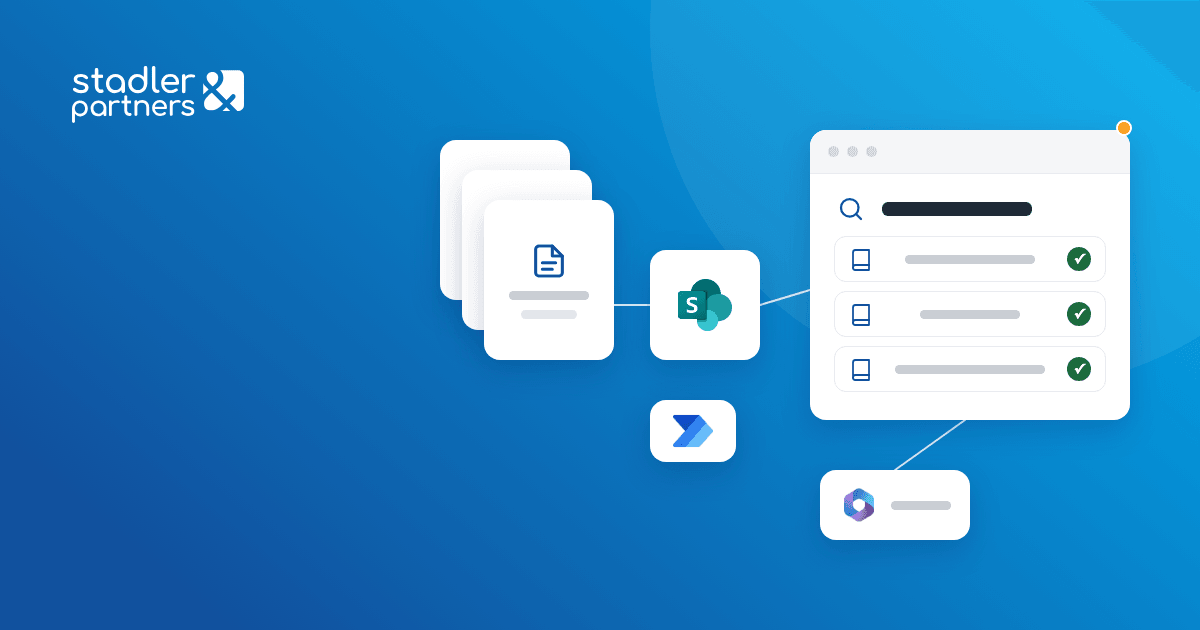
We built Idea Pool for Mercury 360, the knowledge base of the ideas the agency has proposed to its clients, on SharePoint Online. Every idea carries the same metadata, and a Copilot agent answers questions about the history, citing the title and link of the source page.
Business need
Brief, campaign and activation ideas proposed to the agency's clients were kept in separate presentations and documents. Without a shared archive, the history was hard to find and was lost over time.
Before a new brief, the account team needed to find out quickly whether something similar had already been proposed for the same client or brand, and whether it had been implemented.
Result
Account teams check in seconds whether a similar idea has already been proposed for a client or a brand. On request, the Copilot agent prepares a client or brand brief listing the ideas proposed, implemented and rejected, each with its source.
Solution delivered
- The idea archiveA SharePoint Online site where every idea is a page created from a template, with the description, attached materials (visuals, presentations, video) and the cover shown in search results.
- The data modelThe "Idea Pool Page" content type, with client, brand, year, job number, department, idea and project categories, tags and implementation status. Client, brand and categories come from a shared taxonomy.
- SearchA search page with free text and combinable filters on year, client, brand, department, status and category. Results appear as cards, with the status and year on the cover.
- Automatic completionA Power Automate flow fills in the department and the account owner from the author's Microsoft 365 profile when the page is saved.
- The Copilot agentA SharePoint agent built on the idea library, also available in Microsoft Teams. It lists ideas, calculates the implementation rate per brand and the year-on-year trend, finds similar ideas and prepares client or brand briefs, with the title and link of every page it cites.
- Answer rulesThe agent states how many pages its answer is based on, shows no percentages for small samples and keeps the new directions it suggests apart from the documented ideas.
How it works
- 01
Adding
A new idea is created from the template, with client, brand, year and status required.
 SharePoint Online
- 02
Completion
On save, the department and the account owner are taken from the author's profile.
 Power Automate
- 03
Search
Before a brief, the team filters ideas by client, brand, year or category.
- SharePoint Online
- 04
The agent
Natural-language questions are answered from the idea pages, with the source of every statement.
 Microsoft 365 Copilot
 Microsoft Teams