

Credit analysis receives complete files, with every document in date.
The borrower's documents are uploaded once and filed by rules in the borrower's folder. When a credit file is opened, the lending application receives the current document of each type and its expiry date.
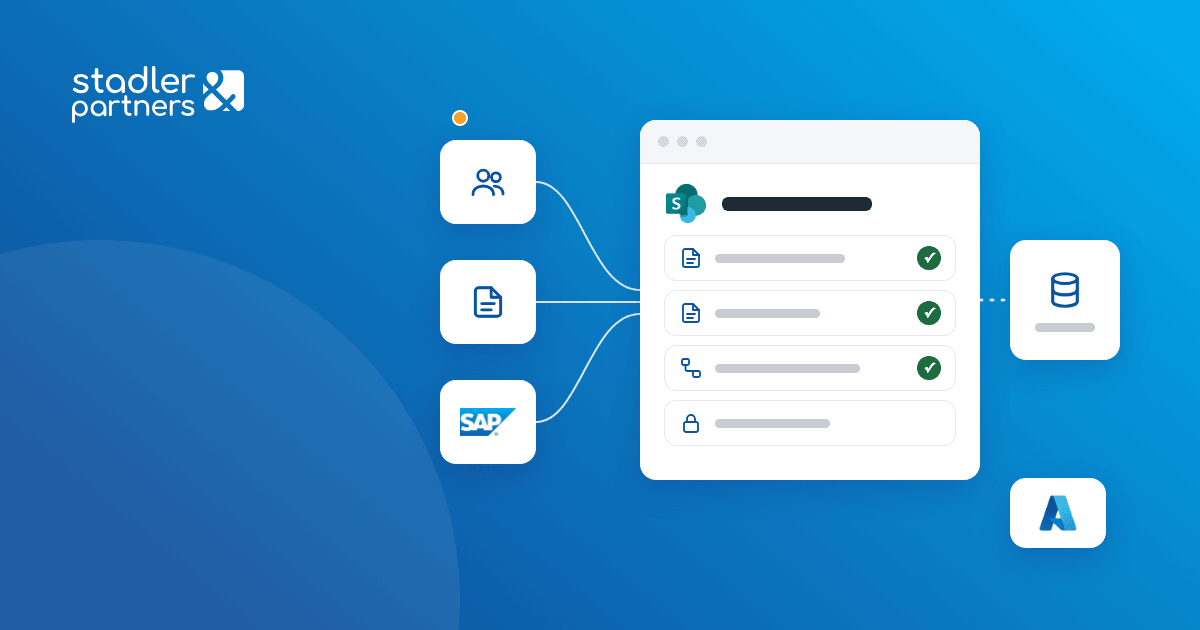
Business need
The client lends to farmers and agricultural companies through regional sales teams. Every credit application needs the borrower's documents, meaning incorporation documents, financial statements and identity documents, plus the credit file, the decision and the contract.
Credit analysis needed the borrower's documents in the credit file, and the lending application needed the valid document of each type, with its expiry date. Compliance documents had to be kept apart, with restricted access, and each region had to work only with its own borrowers.
Result
Credit analysis receives complete credit files, with the borrower's documents within their validity period. Each document is uploaded once and serves all of the borrower's loans, and compliance documents are kept apart, with restricted access.
Solution delivered
- One place to uploadSales teams upload documents one at a time or several at once, choosing the region and the borrower. The registry team sets the document type and the metadata, then confirms filing.
- Rule-based filingEvery 5 minutes, the DMS service moves confirmed documents into the borrower's folder, under the folder for the document type. Filing rules and expiry periods are configured in a list, with no code changes.
- Sync with the lending applicationRegions, borrowers, credit files, applications and decisions created in the lending application are created automatically in the DMS. For a new credit file, the DMS creates the folder and sends its address back to the lending application.
- The valid document, with its expiry dateFor every filed document, the DMS sends the lending application the link to the latest document of the same type and its expiry date. On request from the application, the DMS returns the current document of a given type.
- Contracts from SAP, documents from other applicationsSigned credit contracts come from SAP and are filed in the borrower's folder, and SAP receives the document link. The credit application front end and other systems upload documents through an API.
- Regional access and a compliance areaEach regional team works only with the borrowers in its region, and the credit committee has read access. Compliance documents sit in separate libraries, with restricted access.
How it works
- 01
Upload
The sales officer uploads documents for the chosen region and borrower.
 SharePoint
- 02
Classification
The registry team sets the document type and metadata, then confirms filing.
- SharePoint
- 03
Filing
The DMS service moves the document into the borrower's folder, following the configured rules.
 Azure App Service
- 04
Link to lending
The lending application receives the document link and the expiry date.
 Power Automate
Related case studies
 ARACIS manages the documents of each evaluation in a single file, created and archived from its evaluation application.
 Atlas Imagistica finds any contract, permit or policy by partner, person or expiry date.
 Mercury 360 checks its idea history before every brief, in SharePoint or through a Copilot agent.
