Atlas Imagistica finds any contract, permit or policy by partner, person or expiry date.
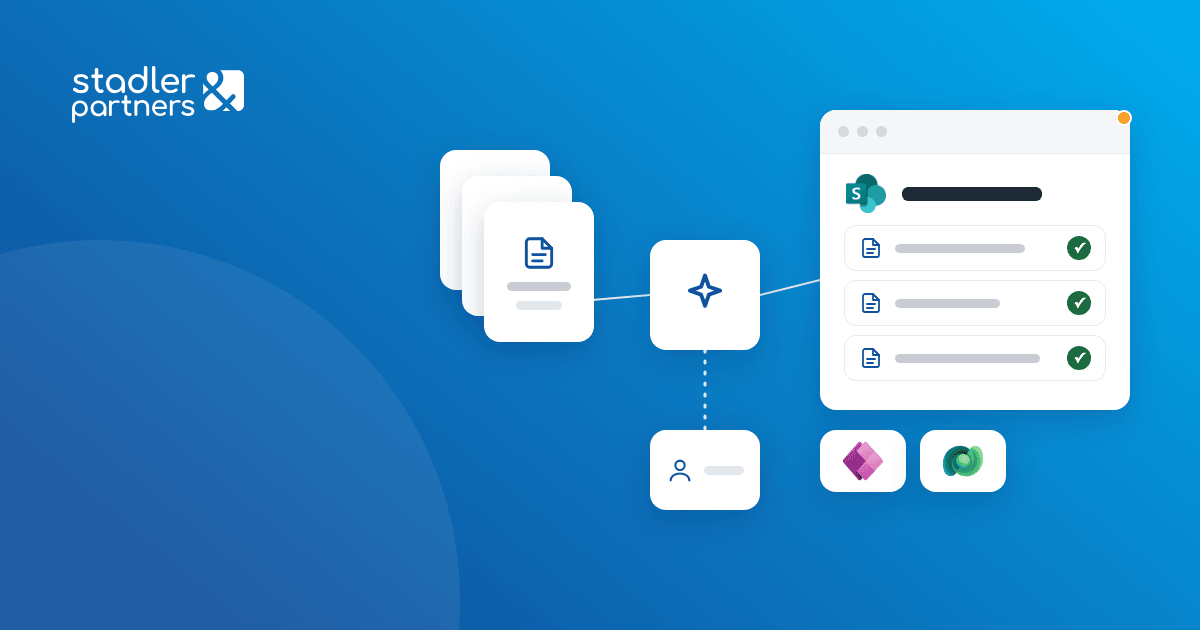
We built the Atlas Imagistica intranet on SharePoint Online and a DMS that classifies documents with Azure OpenAI. A document is uploaded once, with no type and no metadata, and is filed in the right library, in the folder of the partner, person or contract.
Business need
Contracts, tenders, permits, policies and HR documents were saved in personal folders, under free-form names, and expiry dates were tracked by hand.
Atlas Imagistica needed every document to be filed in the right folder, with its type and metadata filled in, without staff choosing them at upload.
Result
Administrative, commercial and HR documents are filed from the same upload library, with their type and metadata filled in at classification. Documents that classification cannot assign with confidence stay for review, with the reason written on the document.
Solution delivered
- The intranetThe home page, news, org chart, locations, company history and marketing materials, on SharePoint Online. Page content is updated from SharePoint lists, without code changes.
- Work schedules and collaborationWork schedules in Microsoft Shifts and a collaboration page with each user's teams and libraries, with training at launch.
- One upload locationA document is uploaded to a single library, without choosing its type or filling in its metadata.
- Classification with Azure OpenAIThe DMS sets the document type, fills in its metadata, such as the partner, person, issue date and expiry date, and writes a confidence score.
- Filing in the right folderDocuments scored above the threshold are renamed from a template and moved to their library and folder. Libraries and folders are configured by business area.
- Registers linked to documentsPartners, people, commercial and contract files, equipment and procedures are kept in Power Apps, on Dataverse, and synchronised to SharePoint. Each document is linked to its records.
- Exception reviewDocuments scored below the threshold stay in the upload library, with the reason written on the document. A periodic report lists them for review and correction.
How it works
- 01
Upload
The document is uploaded to the upload library, with no type and no metadata.
 SharePoint Online
- 02
Classification
Azure OpenAI sets the document type and fills in the metadata, with a confidence score.
 Azure OpenAI
 Azure App Service
- 03
Filing
A document scored above the threshold is renamed and moved to its library and folder.
- SharePoint Online
 Power Automate
- 04
Retrieval
Documents are searched by metadata and opened from the partner, people and contract registers.
 Power Apps
 Dataverse