SharePoint site header and footer: the new layout and branding options
In August 2025 Microsoft announced new header and footer options for SharePoint sites: more header layouts, control over logo size and alignment, and a footer with more links and logos. They matter for any intranet that has to follow the company brand.
IN SHORT
Site owners get more header layouts, can set the size and alignment of the logo and title, and can add more links and logos to the footer. Microsoft also published a SharePoint Web UI Kit in Figma for designing sites before building them.
What changes in the site header?
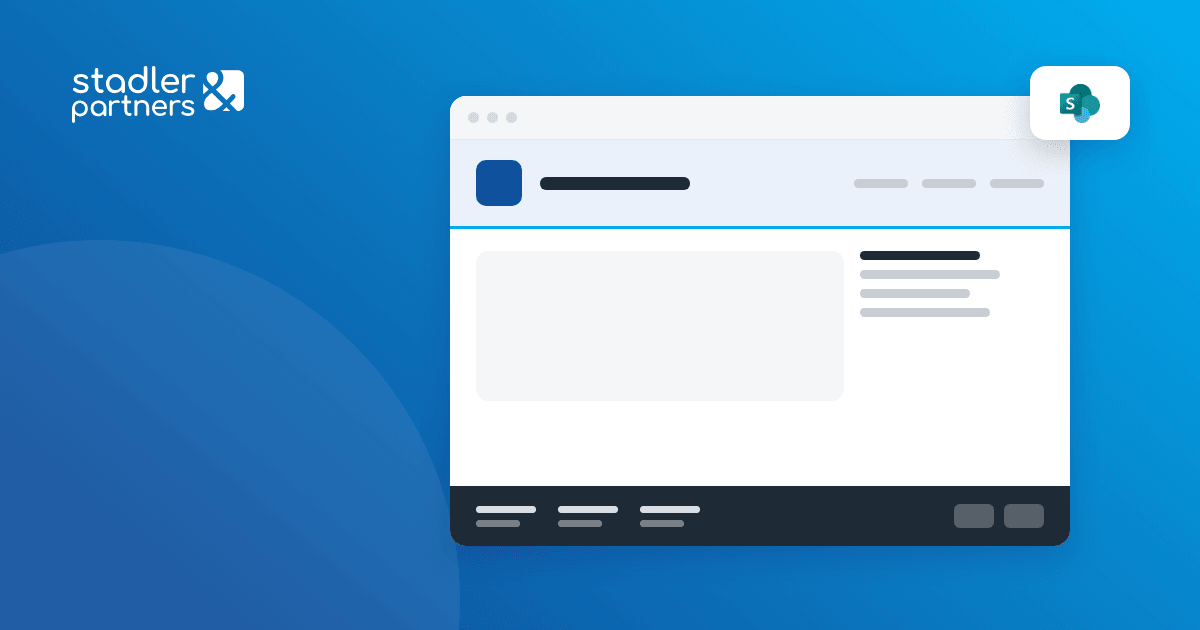
The header is the band at the top of every SharePoint site: logo, site title, navigation. The new options give site owners:
- more layouts, including a compact header that leaves more of the screen for content;
- control over the logo and title: size and alignment set from the site settings;
- consistent display on desktop and mobile.
Until now, a header that matched the company’s visual identity often needed custom code or a compromise on the brand.
What changes in the footer?
The footer gets more room for links, logos and contact details. An intranet can put the links that every employee needs there (policies, the IT help desk, the HR portal) on every page, without repeating them in the navigation.
The SharePoint Web UI Kit in Figma
Alongside the new options, Microsoft published the SharePoint Web UI Kit, a Figma library with SharePoint components and page templates. It does not connect to SharePoint. Designers use it to draw the home site and the department sites before anyone builds them, and the client approves a design that can be built with standard SharePoint components.
Availability
Microsoft announced a gradual rollout to SharePoint Online tenants starting in August 2025. The details are in the announcement: Introducing new SharePoint Site Header & Footer Enhancements.
How we use them in intranet projects
On the intranet portals we build in SharePoint Online (8 so far), the header, the navigation and the footer are designed once, on the home site, and applied to the department sites through hub settings. The new options reduce the custom code needed to match the company brand, which means less code to maintain after every Microsoft update.
Does your intranet follow your brand?
We design the home site and the department sites with your brand, navigation and footer, then build them in SharePoint Online.
Denis Stadler
Founder of Stadler & Partners. AI specialist and Agentic AI solution architect on Azure, Azure DevOps, SharePoint, Dynamics 365 and Power Apps. Writes about Microsoft 365 features as they work in production.
About Denis